

Introduction
Maintaining discipline within your risk parameters is the difference between a successful challenge and a failed account. Many beginner traders fail their challenges due to a single mistake: reaching their maximum daily loss limit through improper position sizing. This lesson explores the critical rules regarding daily losses at Hola Prime and demonstrates how to use the DXtrade built-in risk calculation feature to ensure your lot sizes align with your risk tolerance.
Understanding Daily Loss Limits
Every Hola Prime challenge has specific rules to protect capital. Reaching these limits results in a broken rule and the loss of the account:
-
Daily Loss Thresholds: Depending on your challenge, you may have a 3% or 5% maximum daily loss limit.
-
Example: On a $5,000 challenge with a 3% limit, your total allowed loss for the entire day is only $150.
-
Cumulative Losses: This limit applies to the whole day, whether it is reached in one single trade or across multiple smaller trades.
The Risk of Improper Lot Sizing
Trading with a lot size that is too large magnifies both potential gains and potential losses.
-
Magnified Losses: If your position size is too large for your account equity, a small move against you can result in a significant monetary loss.
-
The "One-Trade" Trap: Using excessive lots often leads to breaching the maximum daily loss limit in just one single trade.
Using the Built-in Risk Calculator
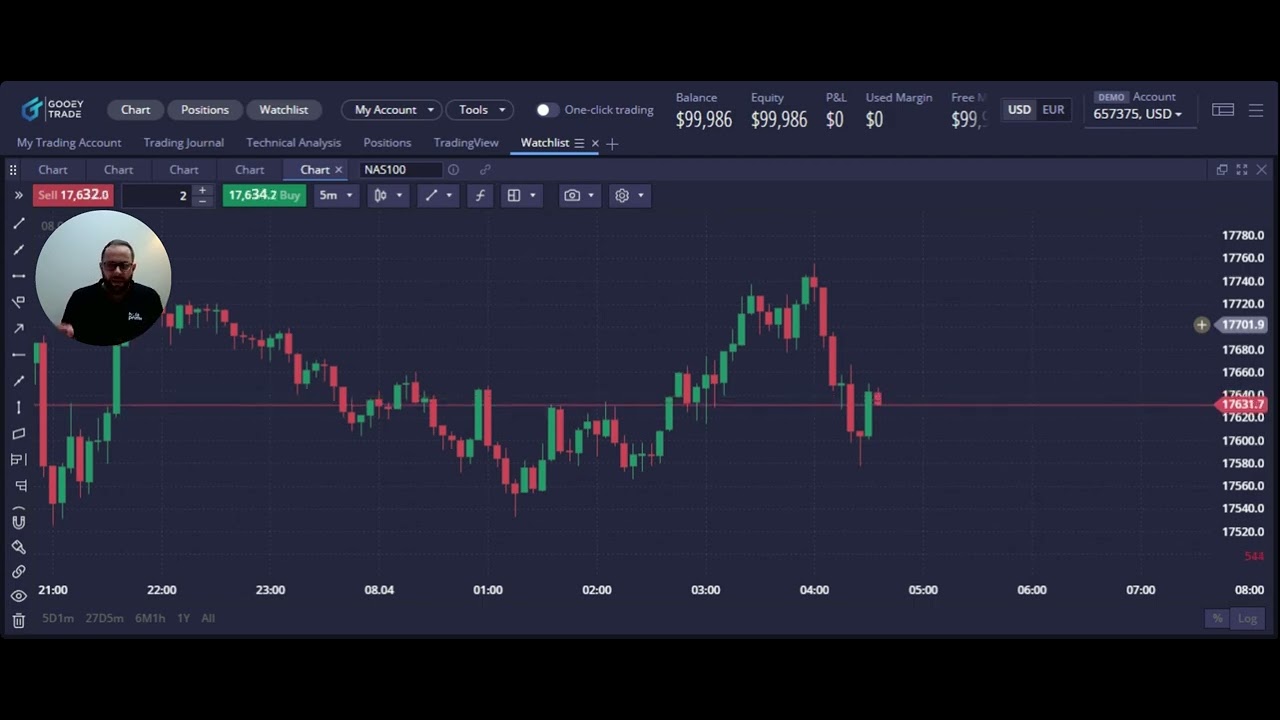
DXtrade includes a risk management feature to help you make better decisions regarding position sizing before you enter a trade:
-
Order Window: When you initiate a trade, a new order window pops up where you can manually adjust the lot size.
-
Protection Orders: Navigate to the "Protection Orders" section and enable the Stop Loss button.
-
Projected Loss: At the bottom of the window, look for the "Projected Loss" field. This dynamically updates to show you exactly how many dollars you will lose if your stop-loss is hit.
Calculating Risk Based on Stop-Loss Placement
Your lot size should be determined by the distance between your entry price and your stop-loss level:
-
Determine Stop-Loss First: Identify a logical technical level for your stop-loss (e.g., below a recent swing low).
-
Set Price Level: In the stop-loss dropdown, you can select "Price Level" and manually enter your desired exit price.
-
Adjust Lots: While looking at the Projected Loss figure, increase or decrease your lot size until the dollar amount matches your intended risk (e.g., 1% of your account).
Position Sizing for Your Risk Tolerance
Strategic position sizing allows you to stay in the game even if you have several losing trades in a row.
-
Percentage-Based Risk: Aim to risk only a fraction of your equity on any single trade, such as 0.5%, 1%, or 2%.
-
Dynamic Sizing: If you place a wider stop-loss (further from entry), you must decrease your lot size to keep the total dollar risk the same.
-
Avoiding Over-Leverage: Many traders think high risk is the fastest way to a funded account, but it is a "double-edged sword" that frequently leads to immediate account disqualification.
By utilizing these built-in tools, you can ensure that your position sizing is always mathematically sound and within the limits of your Hola Prime challenge.
.png)
.png)
.png)

.png)
.png)
.png)