

Introduction
Reaching the maximum overall loss limit is one of the most common reasons traders fail their challenges. Unlike daily limits, the overall loss limit is a static figure that represents the total drawdown allowed on an account before it is permanently forfeited. This lesson explains the mechanics of the "Hard Breach," why improper lot sizing is the primary culprit, and how to use DXtrade's built-in tools to mathematically ensure you never exceed your risk parameters.
Understanding the Maximum Overall Loss Rule
The overall loss limit is a core rule of the Hola Prime trading challenges.
-
The 6% Rule: For many challenges, such as the 1-Step Prime, the maximum overall loss is set at 6% of the initial account balance.
-
Example: On a $25,000 account, a 6% overall loss equals $1,500.
-
Hard Breach: Once your account equity drops $1,500 below the starting balance, it is considered a "hard breach," and you will be required to retake the challenge.
-
Cumulative Impact: This limit can be reached in a single trade or slowly over several consecutive losing days.
The Consequences of Over-Leveraging
Trading with a lot size that is too large for your account size is the leading cause of failed challenges.
-
Risk vs. Reward: While larger lot sizes offer the potential for higher profits, they significantly increase the risk of a rapid drawdown if the market moves against you.
-
Beginner Mistakes: New traders often neglect their stop-losses or fail to monitor their trades, allowing a single high-lot position to hit the maximum drawdown level quickly.
Avoiding "Hard Breaches" through Stop-Loss Discipline
The most effective way to prevent a hard breach is to always trade with a stop-loss.
-
Non-Negotiable Strategy: Never enter a trade without first determining where your "exit" will be if the trade fails.
-
Monitoring: Without a stop-loss, a sudden market move can reach the 6% drawdown limit before you have the chance to close the trade manually.
Step-by-Step: Using the Built-in Risk Calculator
DXtrade provides a built-in feature to help you determine the exact lot size needed to stay within your risk limits.
-
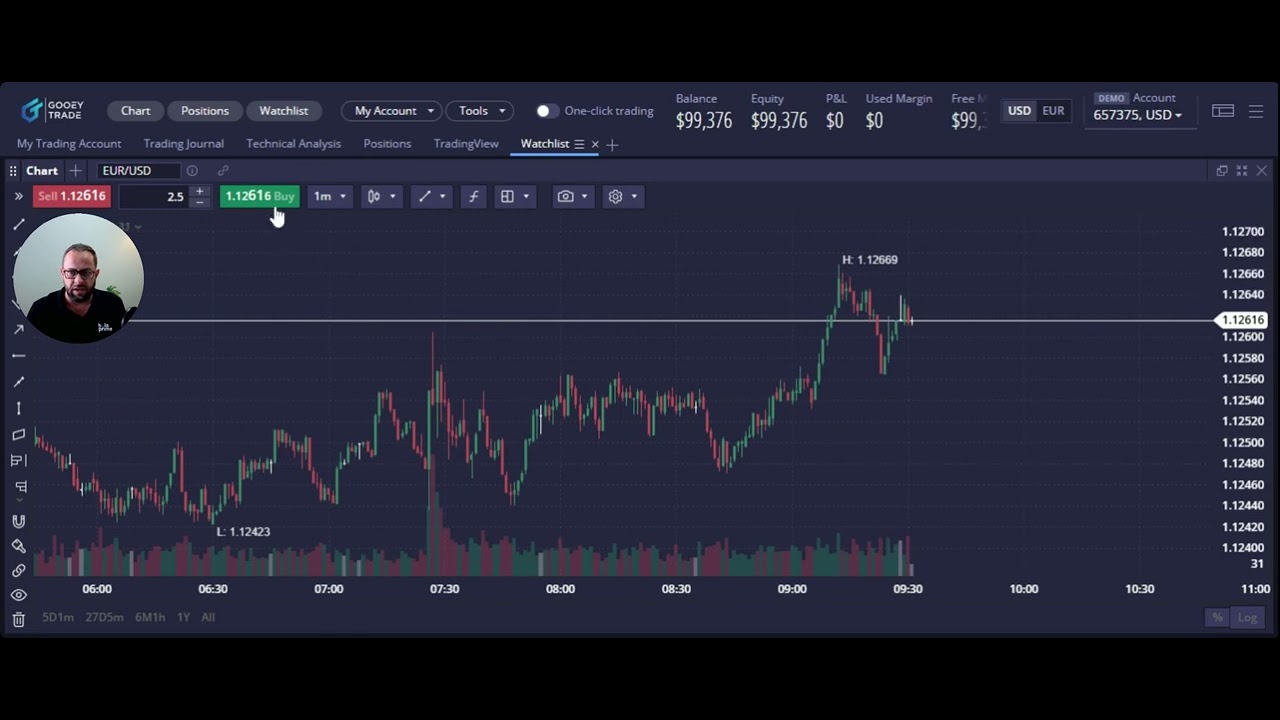
Open the Order Window: Right-click on the chart or click the Buy/Sell buttons.
-
Enable Protection: Click on the "Protection Order" window and select "Stop-Loss."
-
Set the Exit Price: Manually enter the price where you want to be stopped out (e.g., 1.1250 for a Euro/USD Buy trade).
-
Monitor Projected Loss: Watch the "Projected Loss" field at the bottom of the window. This shows the dollar amount you will lose based on your current lot size.
-
Manipulate Lot Size: Adjust your lots (increase or decrease) until the Projected Loss matches your intended risk (e.g., $250 for a 1% risk on a $25k account).
Strategic Risk Management for Challenge Success
Success in a trading challenge is about longevity and survival, not just quick profits.
-
Risk a Small Percentage: Professionals often risk only 0.5% or 1% per trade.
-
Building a Buffer: By risking less (e.g., 0.5% or $125 on a $25k account), you create a larger buffer that allows you to sustain a string of losses without hitting the overall limit.
-
Focus on Risk First: Always determine your risk before you think about your potential profit. Remember, the goal is to stay in the game as long as possible to reach your targets.
.png)
.png)
.png)

.png)
.png)
.png)