

Introduction
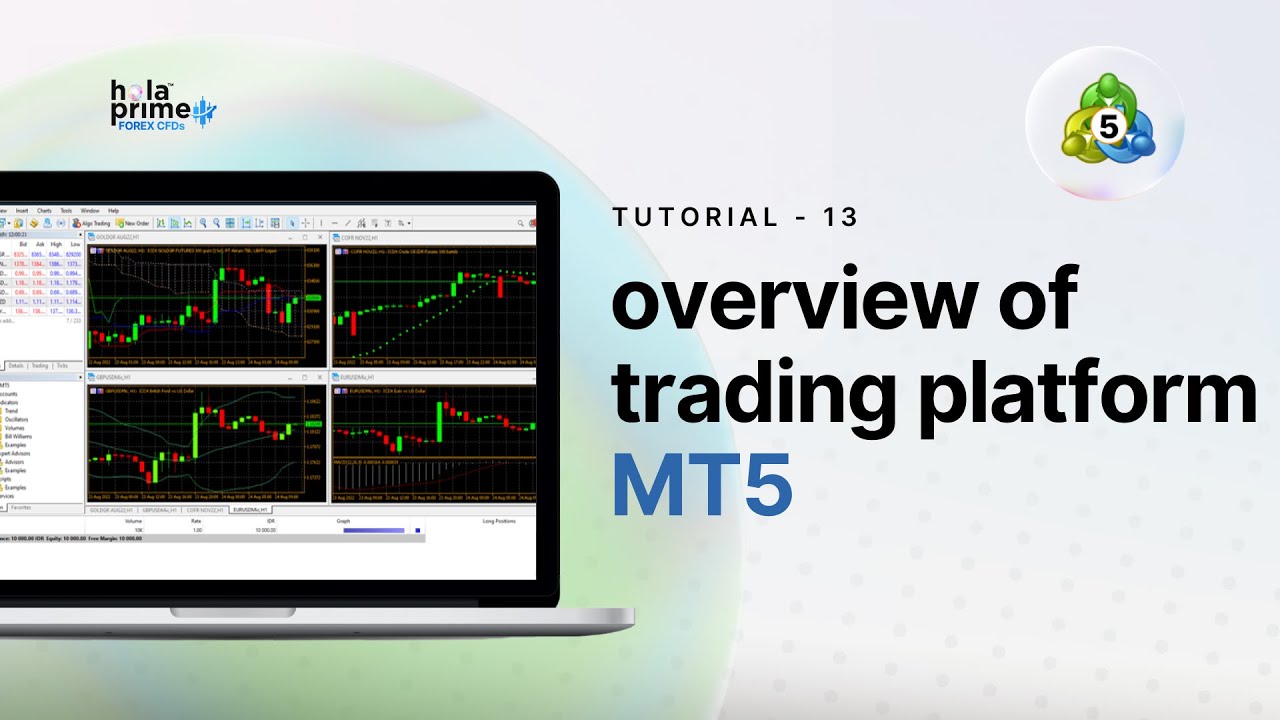
This guide is designed for beginners and traders moving to MetaTrader 5 (MT5) from other platforms. It explains the platform’s four main windows, trade execution process, chart customization, and essential tools that help traders analyze markets and manage trades effectively.
1. The Four Main MT5 Windows
Market Watch
-
Displays real-time price quotes of instruments.
-
Allows adding/removing instruments.
-
Provides contract specifications such as trading hours, spreads, and margins.
-
Enables trade placement directly from the window.
Navigator
-
Helps manage accounts and quick login.
-
Provides access to indicators, expert advisors (EAs), and scripts.
-
Supports algorithmic trading setup.
Chart Window
-
Displays price charts for chosen instruments.
-
Supports multiple chart types: bar, candlestick, and line.
-
Allows timeframe adjustments (1 minute to monthly).
-
Saves templates for quick re-use.
-
Additional tools: autoscroll, chart shift, volume bars, zoom, and screenshot capture.
Toolbox
-
Central panel for trade and account management.
-
Tabs include:
-
Trade: Open positions, balance, margin details.
-
Exposure: Asset allocation and exposure breakdown.
-
History: Closed trades and performance reports.
-
Alerts: Custom notifications for price/time events.
-
Calendar: Economic news and events.
-
Experts & Journal: Logs for automated trading and platform activity.
2. Placing and Managing Trades
-
Orders can be placed through Market Watch, the toolbar, or directly on charts.
-
Supports market orders and pending orders.
-
Traders can set stop-loss and take-profit levels when placing trades.
-
Orders can be modified by dragging SL/TP lines directly on the chart or through the Trade tab.
3. Customizing Charts for Analysis
-
Switch between bar, candlestick, or line charts.
-
Adjust timeframes to suit scalping, swing, or long-term analysis.
-
Save chart templates for consistent setups.
-
Enable features like autoscroll (chart follows live price) or chart shift (adds spacing for analysis).
4. Toolbox Tabs and Features
-
Trade Tab: Monitor active positions.
-
History Tab: View closed trades and generate reports.
-
Alerts Tab: Create alerts for prices, times, or indicators.
-
Calendar Tab: Track news events.
-
Experts/Journal: View activity logs and EA performance.
5. Toolbar Functions and Shortcuts
-
File Menu: Open/close charts, profiles, and accounts.
-
View Settings: Show or hide panels (Market Watch, Navigator, Toolbox).
-
Insert Menu: Add indicators and drawing tools.
-
Timeframe Toolbar: Quick access to different time intervals.
-
Drawing Toolbar: Place trendlines, Fibonacci tools, and shapes.
-
Algo Trading Button: Enable or disable expert advisors.
6. Additional Learning Resources
The tutorial concludes with guidance to explore further videos on:
Conclusion
MetaTrader 5 offers a comprehensive, customizable, and trader-friendly environment for managing trades across forex, indices, cryptocurrencies, and commodities. By understanding its four main windows, chart customization tools, and efficient order management features, traders can confidently use MT5 to analyze markets and execute strategies.
.png)
.png)
.png)

.png)
.png)
.png)