

Introduction
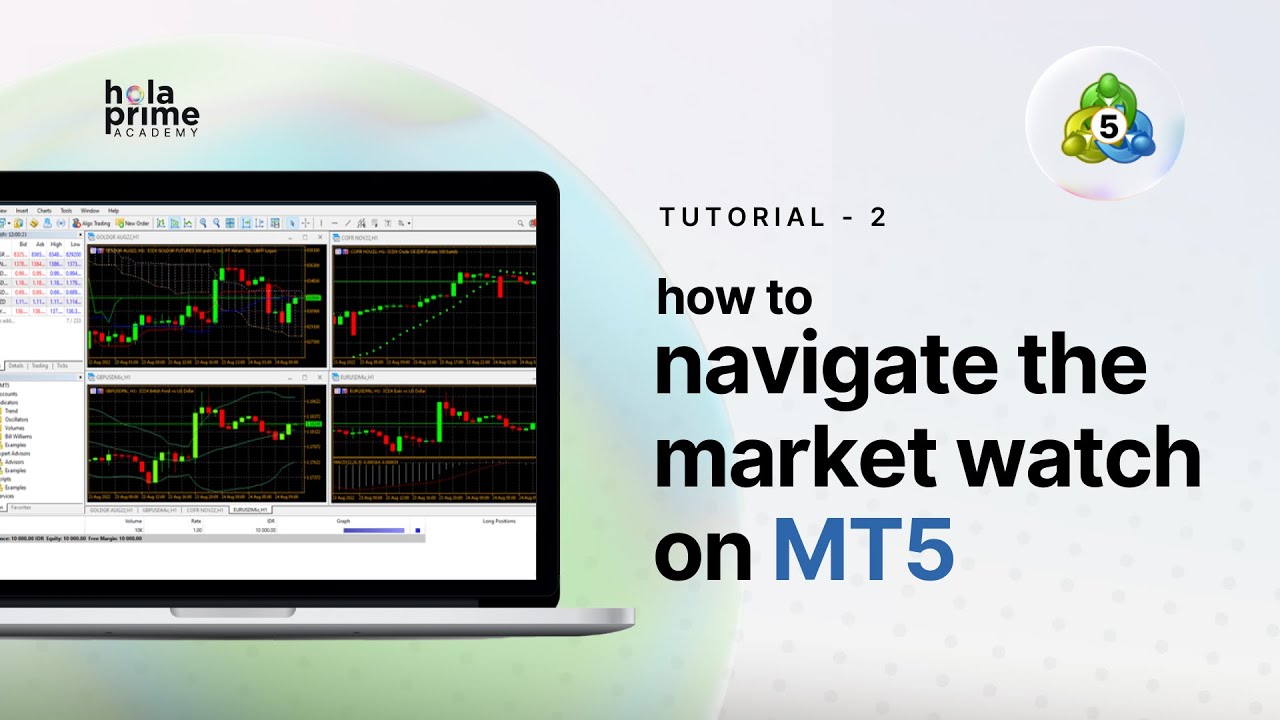
The Market Watch window in MetaTrader 5 (MT5) is one of the most important tools for traders. It provides access to all available trading instruments, real-time price data, and features that support efficient trade execution. This guide, based on Hola Prime’s educational content, explains how to use and customize the Market Watch window for better trading decisions.
1. Opening the Market Watch Window
-
Go to the View menu on MT5.
-
Select Market Watch to open the window.
This panel becomes your hub for monitoring all tradable instruments.
2. Overview of the Four Tabs
Symbols
Lists all available trading instruments (e.g., forex, metals, oil, CFDs, cryptocurrencies), categorized by asset type.
Details
Provides in-depth pricing information for the selected instrument, including bid, ask, spread, and session data.
Trading
Enables one-click order placement, allowing faster execution directly from the Market Watch window.
Ticks
Displays a real-time feed of price changes (tick data), helping traders monitor market volatility and immediate movements.
3. Managing Instruments in the Symbols Tab
-
View and filter instruments by category.
-
Show or hide instruments to declutter your workspace.
-
Create sets of instruments for easier management if trading multiple strategies or asset classes.
-
Sort instruments by symbol, sector, or trading volume for quick navigation.
4. Accessing Instrument Specifications
Right-click any instrument → select Specification to view:
-
Contract size
-
Margin requirements
-
Swap charges (overnight costs)
-
Trading hours
This helps traders evaluate risk and cost before entering a trade.
5. Using Right-Click Options for Trading and Analysis
From the right-click menu, traders can:
-
Place new orders
-
Open chart windows
-
View tick charts
-
Check Depth of Market (DOM) to see buy/sell liquidity at various price levels
6. Organizing and Customizing Market Watch
-
Custom sets: Organize instruments into personalized lists.
-
Visual customization: Adjust background colors as per asset type and enable millisecond updates.
-
Auto-cleaning: Remove expired or inactive symbols automatically for efficiency.
7. Exporting Data for Deeper Analysis
-
Export price quotes as CSV files for use in external software or trading models.
-
This is particularly useful for backtesting or custom analysis outside MT5.
8. Real-Time Monitoring with One-Click Trading and Tick Data
-
One-click trading: Fast order execution ideal for scalpers and news traders.
-
Ticks tab: Continuous stream of live price movements, keeping traders aware of short-term volatility.
9. Conclusion
The Market Watch window in MT5 is a powerful hub for instrument management, market monitoring, and quick execution. By mastering its tabs, right-click functions, and customization options, traders can improve workflow efficiency, manage risk, and respond faster to market opportunities.
.png)
.png)
.png)

.png)
.png)
.png)