

Introduction
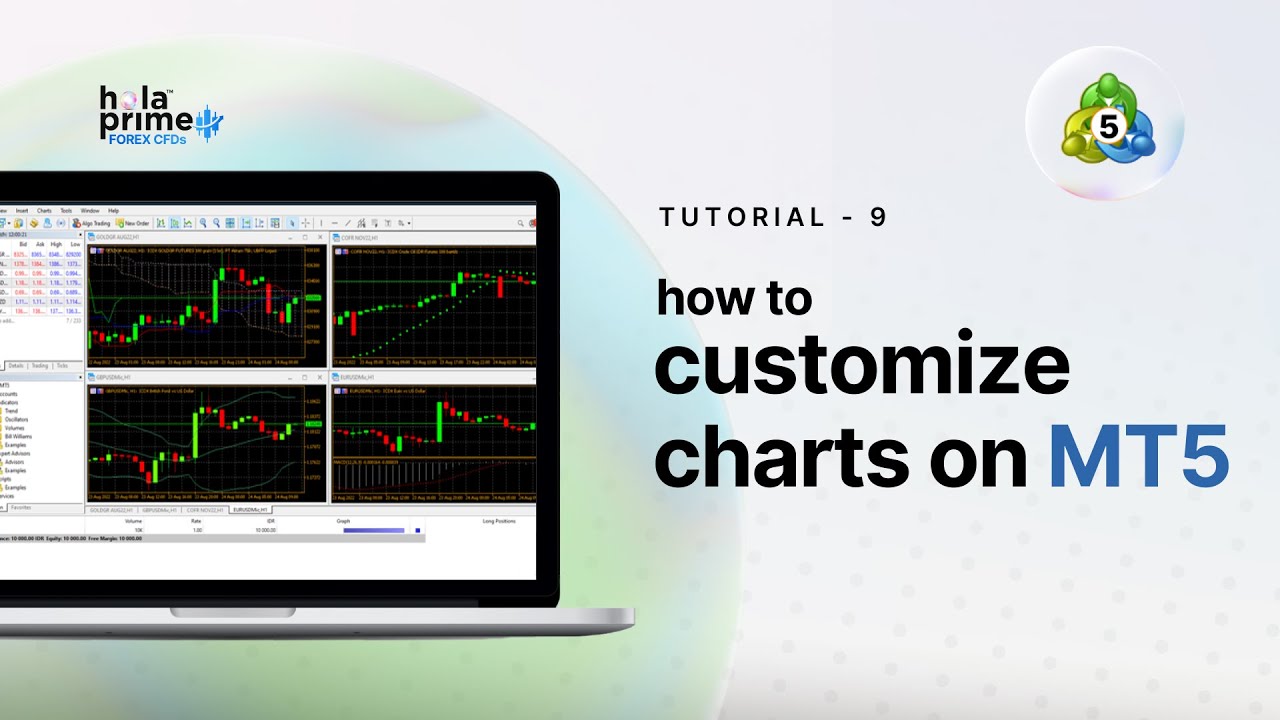
MetaTrader 5 (MT5) offers traders a powerful way to analyze markets, and customizing charts is a key part of building an efficient trading environment. This guide, based on the tutorial, explains how to use the right-click menu on MT5 charts to access features such as order placement, alerts, chart types, templates, and appearance settings.
1. Accessing the Right-Click Menu
Simply right-click on any chart window in MT5 to reveal a set of quick-access options.
This menu provides shortcuts for order placement, chart settings, and personalization features.
2. Placing Pending Orders and Alerts
From the chart menu, traders can:
-
Place pending orders directly at selected price levels.
-
Set alerts to receive notifications when price reaches key points.
3. Enabling One-Click Trading
One-click trading can be activated for faster execution.
This allows traders to enter or exit trades instantly from the chart, ideal for active trading styles.
4. Choosing Chart Types and Time Frames
The menu lets users switch between chart types:
-
Bar, Candlestick, or Line.
Traders can also adjust time frames ranging from 1 minute to 1 month for different market perspectives.
5. Managing Templates for Quick Setup
Templates allow traders to save chart settings—such as indicators, colors, and layouts—so they can be applied easily to other charts without repeating the setup process.
6. Grid, Autoscroll, and Zoom Options
The right-click menu provides usability tools, including:
-
Grid toggle to show or hide chart grids.
-
Autoscroll to keep the chart updated with the latest prices.
-
Zoom in/out for detailed or broader views.
7. Saving Chart Images
Traders can capture their analysis by saving chart images directly from the menu.
This is useful for record-keeping, trade journaling, or sharing setups with others.
8. Customizing Chart Appearance
Through the Properties option, traders can personalize charts by:
-
Adjusting display elements (e.g., OHLC, volumes).
-
Changing color schemes for candles, background, and grid to suit personal preferences and improve clarity.
Conclusion
The right-click menu in MetaTrader 5 charts provides quick access to essential tools for trading, analysis, and customization. By learning to manage orders, alerts, templates, and chart appearance, traders can create a workspace that enhances both efficiency and clarity—making market analysis more effective.

.png)
.png)
.png)

.png)
.png)
.png)