

Introduction
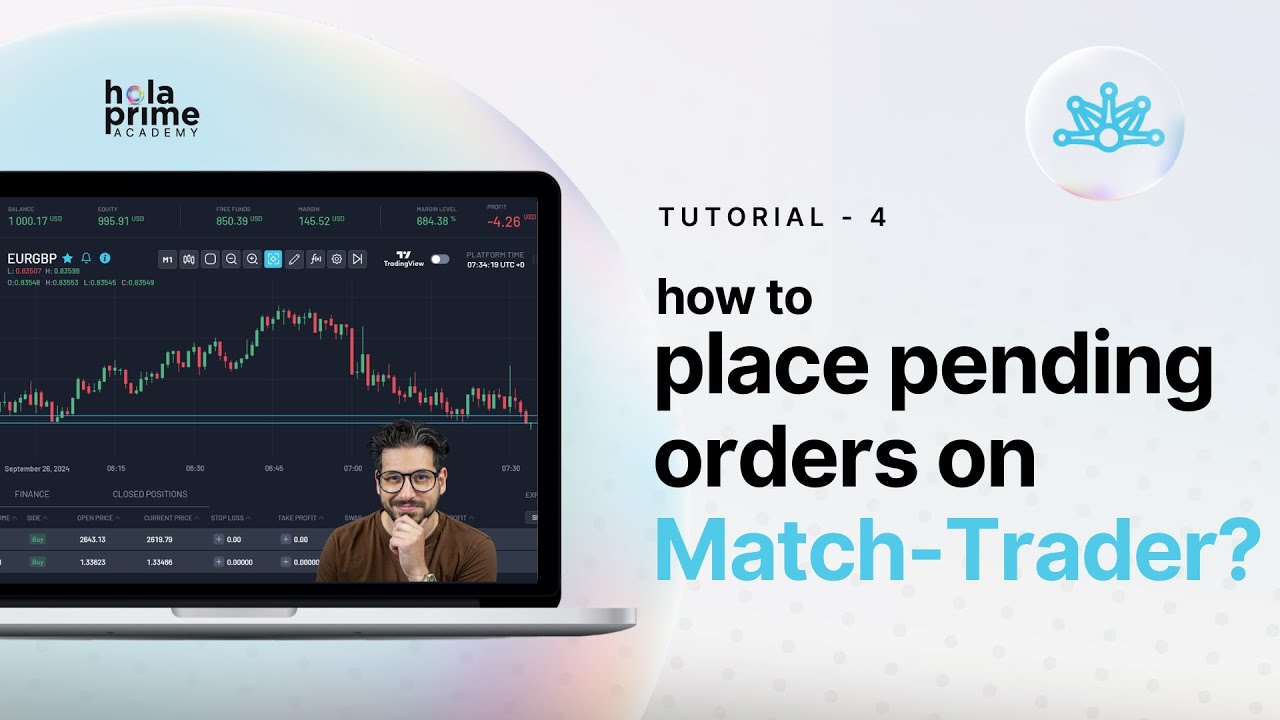
This guide explains how to place pending orders on the Match Trader platform by Hola Prime. Pending orders allow traders to automate trade entry at specific price levels, helping manage risk and take advantage of market movements efficiently.
Section 1: Understanding Pending Orders
Pending orders are instructions to enter a trade automatically when the market reaches a specified price.
Order Types:
-
Buy Limit: Set below the current market price; triggers a buy when the price drops to this level.
-
Sell Limit: Set above the current market price; triggers a sell when the price rises to this level.
-
Buy Stop: Set above the current market price; triggers a buy when the price rises to this level.
-
Sell Stop: Set below the current market price; triggers a sell when the price drops to this level.
Key Point: The platform automatically adjusts available order types based on whether the price is above or below the market.
Section 2: Accessing the Order Window
-
Open the Instrument Window on the left side of Match Trader.
-
Select the instrument you want to trade.
-
Click Advanced Order to open the order window.
-
For market orders, you can trade immediately, but for pending orders, switch to the Pending Order tab.
Section 3: Setting a Pending Order
-
Set the lot size using the icons or enter a specific value.
-
Enter the price at which you want the order to trigger.
-
Prices above the market: options are Sell Limit or Buy Stop.
-
Prices below the market: options are Buy Limit or Sell Stop.
-
Add stop loss and take profit levels to manage risk.
-
Review required margin, available funds, commission, and spread.
-
Click Sell or Buy to place the pending order.
Section 4: Adjusting Orders on the Chart
-
You can move the pending order directly on the chart by dragging the pending order line to a new price.
-
This allows visual placement based on technical analysis or key support/resistance levels.
Section 5: Reviewing Pending Orders
-
All pending orders can be tracked in the Pending Orders Tab at the bottom of the platform.
-
From there, you can modify or cancel orders before they are triggered.
Conclusion
Pending orders are a powerful tool to automate entry at specific price levels, reduce emotional trading, and implement precise trading strategies on Match Trader. Using the platform’s automatic adjustment and chart-based features makes placing these orders simple and efficient.
.png)
.png)
.png)

.png)
.png)
.png)