

Introduction
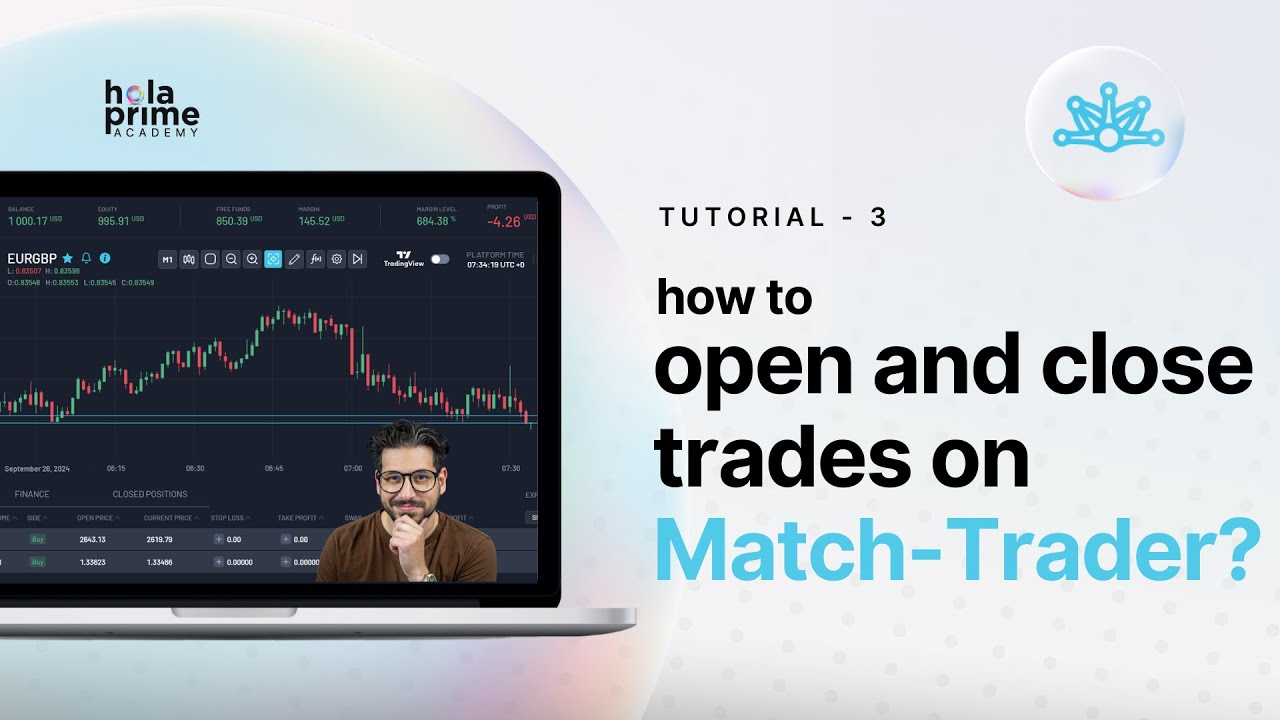
This guide explains how to open and close trades on the Match Trader platform by Hola Prime. It covers standard trade execution, one-click trading, and managing open positions, making it useful for beginners learning to trade efficiently.
Section 1: Accessing the Instrument Window
The Instrument Window is your main hub for selecting assets to trade.
Key Points:
-
Located on the left side of the platform.
-
Displays all available instruments, including Forex, commodities, cryptocurrencies, and indices.
-
Provides quick access to prices, spreads, and trading options.
Section 2: Placing a Standard Trade
To place a trade manually:
Steps:
-
Click on the instrument you want to trade.
-
Click Advanced Order to open the order window.
-
Set the lot size using the icons or by entering a value directly.
-
Review important details like margin requirement, free funds, commission, and current spread.
-
Optionally set stop loss and take profit levels according to your strategy.
-
Click Buy or Sell to execute the trade.
Section 3: Using One-Click Trading
One-Click Trading allows faster trade execution:
Steps:
-
Select the instrument you wish to trade.
-
Enter the lot size.
-
Click Buy or Sell to instantly place the trade.
Benefits:
-
Eliminates the need to open the standard order window.
-
Speeds up execution for fast-moving markets.
Section 4: Placing Trades from the Chart
Trades can also be executed directly from the chart view:
Steps:
-
Expand the chart window.
-
Ensure the Trading View Chart is disabled.
-
Click New Order or use the Buy/Sell buttons on the chart.
Advantages:
-
Visual trade placement based on chart analysis.
-
Convenient for traders who prefer to act from technical charts.
Section 5: Managing and Closing Trades
All open trades are visible under the Open Positions tab at the bottom of the platform.
Steps to Close a Trade:
-
Navigate to Open Positions.
-
Click the Close button next to the trade.
Additional Features:
-
Close multiple trades at once using filters:
-
Select a filter (e.g., losing trades for a specific symbol).
-
Enter the symbol and click Close to exit all matching trades simultaneously.
-
Closed trades are recorded under the Closed Positions tab for review.
Conclusion
Opening and closing trades on Match Trader is simple, whether using standard orders, one-click trading, or chart-based execution. Efficient trade management, including bulk closing options, helps traders maintain control and reduce risk exposure.
.png)
.png)
.png)

.png)
.png)
.png)