

Introduction
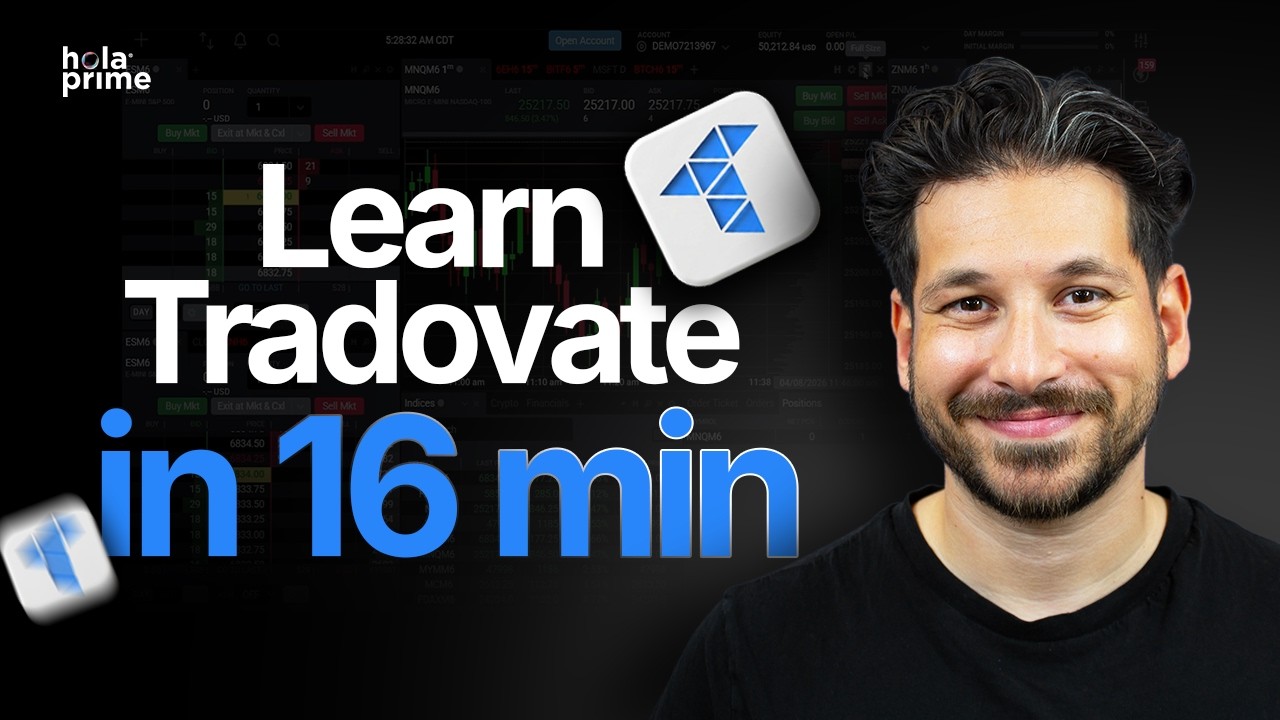
This guide, based on the Hola Prime educational series featuring Sam, provides a comprehensive walkthrough of the Tradovate platform. Designed for high-performance trading, this tutorial covers everything from initial layout customization to advanced risk management settings.
1. Navigating the Dashboard
Upon logging in, you are greeted with a modular interface designed for speed. The header provides a real-time view of your critical financial data:
-
Account Metrics: Monitor your Account Balance, Open P&L, Day Margin, and Initial Margin at a glance.
-
Modular View: The default layout includes the Depth of Market (DOM), active charts, instrument watchlists, and your current positions at the bottom.
-
Full-Screen Focus: To focus on a single asset, click the Full Size button in the top right corner of any module.
2. Advanced Charting & Indicators
Tradovate offers institutional-grade charting tools to help you identify Hola Prime "Golden Zone" setups.
-
Instrument Selection: Click the asset name (e.g., MNQ) to search for and switch between Micro NASDAQ, E-mini S&P 500 (ES), or other futures contracts.
-
Candlesticks: Beyond standard candlesticks, you can switch to Bid and Ask Volume to view a footprint chart, revealing the real-time volume within each candle.
-
Adding Indicators: Use the indicator tab to apply EMAs, Bollinger Bands, or volume-based tools like VWAP and Cumulative Delta.
-
Drawing Tools: Access Fibonacci retracements and Volume Profiles via the left-hand sidebar to mark institutional liquidity levels.
3. Executing & Modifying Trades
Speed is essential for institutional-grade execution. Tradovate allows for direct chart-based trading.
-
Market Orders: Use the Buy Market or Sell Market buttons for immediate entry.
-
Setting Protection: To set a stop-loss or take-profit, simply left-click the desired price level on the chart and select "Buy Stop" or "Buy Limit".
-
Dynamic Modification: You can drag your stop-loss or take-profit lines directly on the chart to adjust them in real-time as price action develops.
-
Emergency Exit: Use the Exit All Positions button in the top right for a "one-click" flatting of all active trades.
4. Order Flow & Depth of Market (DOM)
For traders focused on Order Flow, the DOM module provides a look at the full order book.
-
Pending Orders: View all current buy and sell limits waiting in the market.
-
One-Click DOM Entry: You can place market orders and exit positions directly through the DOM interface, ensuring you are reacting to the tape without delay.
5. The Prime Safeguard: Risk Settings
At Hola Prime, we emphasize discipline. The Risk Settings tab is your most important tool for long-term consistency.
-
Daily/Weekly Loss Limits: Set a hard cap on your losses. Once hit, the platform locks you out to prevent emotional "revenge trading."
-
Profit Triggers: Lock in your gains by setting a daily profit target that ends your session once reached.
-
Hard Lock: Enable the Lock Risk Settings toggle to prevent yourself from changing your limits mid-session during periods of high stress.
-
Instrument Restriction: Limit your trading to only the instruments you are most profitable with to avoid unnecessary "strategy drift."
6. Reporting & Performance Analytics
To grow as a trader, you must review your data.
-
Exporting Reports: Navigate to the Reports section to download your daily or monthly data as a PDF or CSV.
-
Performance Centre: Analyze your Gross P&L, average trade time, and total contract size to identify where you are finding success and where you need to refine your edge.
Conclusion: Tradovate is a powerful, streamlined platform that aligns with the Hola Prime philosophy of transparency and precision. By mastering these tools and utilizing the built-in risk safeguards, you are better equipped to trade with institutional-grade discipline.
.png)
.png)
.png)

.png)
.png)
.png)